

15 min read
.jpg)

Choosing between NetSuite and Microsoft Dynamics 365 Business Central usually starts as an ERP comparison, but it quickly becomes a broader decision about how your business wants to operate. Both Microsoft 365 Business Central and NetSuite support finance, operations, reporting, and core business processes. Both also appeal to companies that have outgrown entry-level accounting tools and need an ERP solution that can support more structure, visibility, and control.
The better choice depends less on which platform has the longest feature list and more on how your business works today. For some teams, the Microsoft ecosystem, familiar Microsoft 365 workflows, and the way Business Central offers ERP inside existing Microsoft tools will feel like the more natural fit. For others, Oracle NetSuite may make more sense when the goal is broader ERP standardization, tighter cross-functional visibility, and a cloud-first ERP system designed to scale across more complex reporting and operating models.
This guide covers:
-
Platform Differences: How NetSuite and Business Central differ in structure, scope, and ecosystem alignment.
-
Operational Fit: Where each ERP handles reporting, workflows, finance, and business processes differently.
-
Cost Considerations: How pricing, implementation effort, and total cost of ownership can shift the comparison.
-
Selection Logic: Which platform often fits different business needs, priorities, and long-term growth plans.
P.S. As ERP comparisons move from features to execution, the transition plan starts to matter. Protelo’s NetSuite Implementation Services help teams bring data, connected applications, and operational workflows into NetSuite with less disruption.
Migrate to NetSuite to unify business systems and improve cross-functional visibility.
TL;DR: Oracle NetSuite Vs Microsoft Dynamics 365 Business Central At A Glance
| Difference Area | Microsoft Dynamics 365 Business Central vs. NetSuite |
|---|---|
| ERP Scope | NetSuite ERP is designed as a unified cloud ERP system, while Microsoft Dynamics 365 Business Central is often positioned within the broader Microsoft ecosystem of business applications. |
| Financial Management | Both NetSuite and Dynamics 365 Business Central support core finance, but NetSuite is often evaluated for broader financial visibility, while Microsoft Dynamics 365 Business Central offers strong capabilities for structured accounting and reporting workflows. |
| Business Processes | NetSuite supports broader cross-functional process standardization, while Business Central often aligns closely with existing Microsoft-centered business processes and workflows. |
| Customization | NetSuite offers customization through its ecosystem and SuiteApps, while Business Central relies on Microsoft AppSource, Microsoft partners, and extension-based development. |
| Pricing And Ownership | Pricing differs in structure, but the total cost of ownership depends on implementation, support, customization, and long-term system changes across both ERP solutions. |
| Scalability | NetSuite is often evaluated for scaling across complex or multi-entity operations, while Business Central is designed to grow with your business within the Microsoft ecosystem. |
Why This Comparison Can Be Tricky
At a surface level, NetSuite vs Microsoft Dynamics 365 Business Central can look like a straightforward choice between two cloud ERP platforms. In practice, that framing is too shallow.
Business Central sits within a larger Microsoft ecosystem that includes Microsoft 365, Office 365, Microsoft Power BI, Teams, Outlook, Power Platform, and extension options through Microsoft AppSource. NetSuite, by contrast, is positioned as Oracle’s unified cloud ERP suite, with ERP, CRM, commerce, inventory, reporting, and other business functions closer to one operating model.
That difference matters because businesses are not just choosing software. They are choosing how tightly they want finance, operations, reporting, and adjacent business applications to connect. Some companies prioritize ecosystem familiarity, Microsoft integrations, and integration with other Microsoft products. Others care more about whether the ERP system itself becomes the operational center of the business.
The choice between NetSuite and Business Central becomes clearer when buyers compare real workflows instead of only product categories. A company already built around Microsoft 365 may value integration with other Microsoft tools more than a broader ERP suite. A company trying to standardize finance, inventory, CRM, ecommerce, and reporting in one system may care more about the unified structure Oracle NetSuite can provide.
Read Next:
NetSuite Vs Microsoft Dynamics 365 Business Central: Key Differences That Matter For Growing Businesses
Choosing between NetSuite and Microsoft Dynamics 365 Business Central is rarely just an ERP comparison. It is a decision about how your business wants to manage finance, operations, reporting, data, and long-term growth inside one ERP system.
NetSuite and Dynamics 365 can function as a modern ERP solution. Both support core business processes, financial management, reporting, and business applications. But the differences between NetSuite and Dynamics become clearer when you look at how each platform handles scalability, customization, implementation, and specific business needs.
The more useful question is not which system is “better,” but which one aligns more closely with your specific business needs, existing systems, and future growth plans.
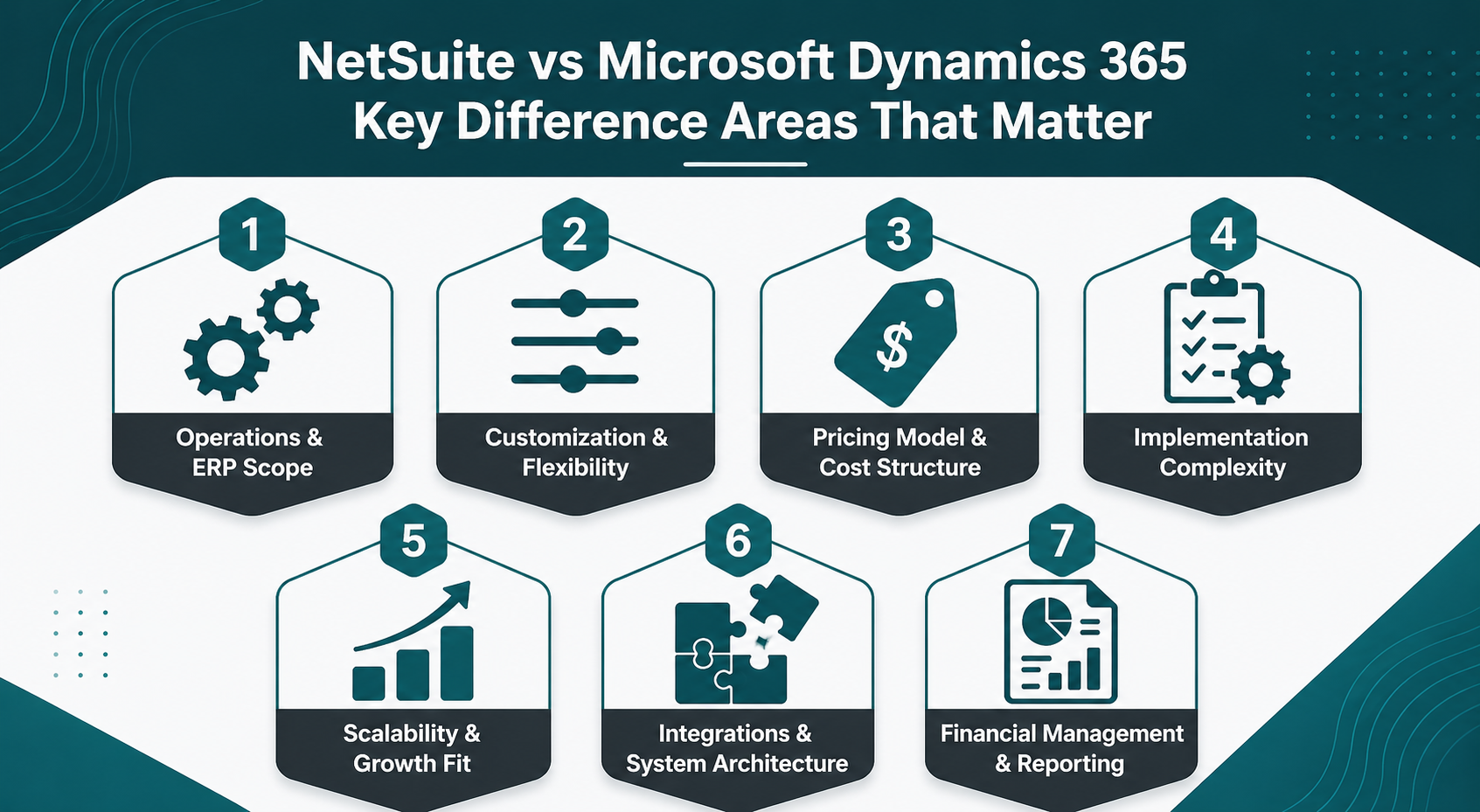
Operations & ERP Scope
A major difference between NetSuite and Microsoft Dynamics 365 Business Central is operational scope. NetSuite is designed to manage a wider range of business processes inside one ERP system, while Business Central is built to support finance, sales, service, purchasing, inventory, projects, and operations inside a Microsoft-centered environment.
NetSuite:
-
Inventory Management: Tracks inventory across locations, supports fulfillment workflows, and connects inventory activity to financial and operational reporting.
-
Order Management: Handles purchasing, sales orders, and order flows within the ERP system rather than requiring separate operational software for core processes.
-
Business Applications: Brings multiple business applications together inside one cloud platform, which can reduce reliance on disconnected systems.
-
Cross-Functional Coordination: Connects operational data to finance, reporting, and broader business functions within the same ERP environment.
-
Process Standardization: Helps businesses manage business processes across departments with more consistency within one system.
Businesses using NetSuite can often keep more order-to-cash and procure-to-pay activity inside one ERP system, which reduces manual transfers between separate tools. NetSuite also helps companies that want more areas of their business tied to the same reporting and workflow foundation.
Microsoft Dynamics 365 Business Central:
-
Operational Coverage: Supports finance, sales, purchasing, inventory, warehouse management, projects, service management, and manufacturing-related workflows as part of the Business Central platform.
-
Microsoft Workflow Alignment: Fits naturally with Microsoft 365, Office 365, Teams, Outlook, Excel, and other Microsoft products already used across the business.
-
Extension-Based Breadth: Expands operational capabilities through Microsoft AppSource, Microsoft partners, Business Central apps, and connected Microsoft applications.
-
Process Continuity: Works well for businesses that want ERP to complement existing Microsoft-centered business operations rather than replace that structure.
-
Familiar System Logic: Often feels more intuitive for organizations already managing business functions within the Microsoft ecosystem.
Business Central offers reliable ERP functionality for small and midsize organizations that want finance, sales, inventory, service, and operations connected to the Microsoft tools their teams already use.
It is separate from Dynamics 365 Finance, Microsoft’s enterprise finance application for larger and more complex organizations. Business Central is usually the better fit when a company wants a practical ERP path inside Microsoft 365, while NetSuite is stronger when the business needs broader operational depth, multi-entity support, ecommerce, or more centralized ERP control.
Read Next: NetSuite WMS: Smarter Inventory & Fulfillment
Customization & Flexibility
Customization is another area where the differences between NetSuite and Dynamics become more practical than theoretical.
NetSuite offers flexibility within a broader ERP framework. That matters for businesses that want to extend workflows, reporting, and operational processes while keeping the ERP system itself at the center of the environment. The flexibility is often tied to how the business wants to adapt a unified platform to support specific business needs.
Microsoft Dynamics 365 Business Central approaches flexibility differently. Much of its extension logic sits inside the Microsoft ecosystem through Microsoft AppSource, Microsoft partners, and integrations with other Microsoft products. That can be appealing for organizations already comfortable managing business solutions across multiple Microsoft applications, rather than concentrating more functionality inside one ERP layer.
Pricing Model & Cost Structure
Pricing is one of the most important parts of any NetSuite vs Microsoft Dynamics 365 Business Central comparison, but headline software price rarely tells the full story.
For NetSuite, the approved pricing figures you supplied are:
-
Small Business (1–10 users): Annual investment range of $30,000–$55,000; implementation services estimate of $25,000–$45,000.
-
Mid-Market (10–100 users): Annual investment range of $60,000–$150,000+; implementation services estimate of $50,000–$100,000.
-
Enterprise (100+ users, multi-entity/global): Annual investment range of $150,000–$300,000+; implementation services estimate of $100,000–$200,000+.
That pricing model usually reflects a broader ERP investment. Licensing, modules, implementation, and business complexity all shape the final cost structure.
For Microsoft Dynamics 365 Business Central, Microsoft’s current 2026 public pricing lists:
-
Business Central Essentials: $80 per user/month, paid yearly.
-
Business Central Premium: $110 per user/month, paid yearly.
-
Team Members: $8 per user/month, paid yearly.
-
Device: $45 per device/month.
Read Next: NetSuite Price in 2026: Oracle NetSuite Pricing Guide, Implementation Cost & Cost Breakdown
Implementation Complexity
Implementation complexity is often where an ERP comparison becomes real.
NetSuite implementations are typically shaped by the size of the ERP footprint, the number of business processes moving into the system, and the reporting or operational complexity involved. Because NetSuite ERP often supports a broader cross-functional rollout, implementation can become more involved as the scope expands.
Business Central implementation complexity often looks different. Microsoft positions the platform around faster deployment, guided onboarding, and partner-led delivery, which can make it more approachable for businesses that want a more familiar Microsoft-centered rollout path.
The better way to compare implementation is not to ask which platform is “easy.” It is to ask what type of implementation your business is actually taking on.
For example, a manufacturer implementing NetSuite may be rolling finance, inventory, purchasing, order management, and reporting into one ERP system at the same time. In that case, the implementation involves more process alignment across departments, more data cleanup, and more change management because several business functions are moving into one platform together.
By contrast, a distributor implementing Microsoft Dynamics 365 Business Central may already run heavily on Microsoft 365, Excel, Outlook, and Power BI, and may want ERP to fit into that existing environment. In that case, the implementation may focus less on replacing the broader ecosystem and more on connecting finance, operations, and reporting within tools the team already knows well.
Scalability & Growth Fit
Scalability matters because the right ERP solution should still make sense after the business grows, adds complexity, or changes how it operates.
NetSuite:
-
Growth Structure: Often fits businesses planning for broader ERP standardization across more departments, entities, or operating units.
-
Reporting Expansion: Becomes more relevant when reporting, finance, and operations need to scale together inside one system.
-
Operational Breadth: Supports businesses that expect more business functions to move into the ERP over time.
-
Business Complexity: Tends to appeal when business needs are becoming more layered across inventory, reporting, and cross-functional workflows.
-
Long-Term Control: Helps businesses that want one cloud ERP platform to grow with broader internal complexity.
NetSuite is often evaluated when companies expect the ERP system itself to take on more responsibility as the business expands.
Microsoft Dynamics 365 Business Central:
-
Microsoft-Centered Growth: Business Central is designed to grow with your business inside the Microsoft ecosystem.
-
Familiar Expansion Path: Supports businesses that want to add capabilities through Microsoft products, Microsoft applications, and AppSource extensions.
-
Operational Continuity: Can work well for businesses that want ERP growth without moving too far from existing Microsoft workflows.
-
Mid-Market Practicality: Often makes sense for companies that want a flexible ERP solution without immediately shifting to a broader enterprise-style operating model.
-
Ecosystem Scalability: Expands well when the business expects to stay closely aligned with Microsoft 365 and related Microsoft tools.
Integrations & System Architecture
The architectural difference between NetSuite and Microsoft Dynamics 365 Business Central is one of the clearest reasons buyers lean one way or the other.
NetSuite centers the ERP system itself. The architecture is designed around keeping finance, operations, and related business processes closer to one platform. That can appeal to companies that want a more centralized system architecture and fewer dependencies across separate business applications.
Business Central is designed to work more natively with Microsoft products. Its architecture becomes especially attractive when integration with other Microsoft tools is already part of the company’s operating model. Microsoft emphasizes Outlook, Excel, Teams, Power Platform, and AppSource as part of the broader Business Central ecosystem.
That means the difference is not simply “integrations exist” on one side and not the other. It is that Business Central is designed to operate within the Microsoft ecosystem, while NetSuite ERP is designed to keep more business applications and business processes closer to one ERP core.
Read Next: Simplifying the Suite: NetSuite Integrations
Financial Management & Reporting
One of the most important differences between NetSuite and Microsoft Dynamics 365 Business Central lies in how financial management connects to reporting, visibility, and broader ERP control. Both platforms support accounting and finance workflows, but they do not frame financial management in exactly the same way.
NetSuite:
-
Financial Visibility: Connects financial management to inventory, purchasing, order management, and other business processes inside one ERP system.
-
Multi-Entity Support: Handles multi-subsidiary and multicurrency structures through Oracle NetSuite capabilities such as OneWorld, which makes it more relevant for complex reporting environments.
-
Reporting Depth: Emphasizes unified reporting across business functions, which can help businesses reduce disconnected finance and operational reporting.
-
ERP-Led Finance Model: Treats financial management as part of a broader cloud ERP system rather than as a more isolated accounting layer.
-
Business Process Connection: Allows finance teams to work from the same platform used for other business applications and operational workflows.
Businesses using NetSuite often evaluate it when they want financial management and reporting to sit inside a broader ERP structure instead of relying heavily on surrounding systems.
Microsoft Dynamics 365 Business Central:
-
Core Financial Management: Supports general ledger, accounts payable, accounts receivable, fixed assets, bank reconciliation, and related accounting workflows.
-
Microsoft Reporting Alignment: Works closely with Excel, Power BI, and other Microsoft products, which can make reporting more familiar for teams already working in Microsoft 365.
-
SMB and Mid-Market Fit: Business Central is often positioned as a practical ERP solution for companies that want structured financial management without immediately moving into a more expansive ERP footprint.
-
Ecosystem Reporting Model: Strengthens reporting through integration with other Microsoft tools rather than relying only on native ERP reporting layers.
-
Finance-Centered Familiarity: Can feel easier to adopt for organizations already using Microsoft applications across finance and reporting.
Business Central offers strong financial management capabilities, especially for businesses that already operate within the Microsoft ecosystem and want reporting to remain closely tied to familiar Microsoft tools. Microsoft also highlights Business Central’s integration with Microsoft 365 and Power BI as part of its finance and reporting value.
Read Next: Generate Multi-Level NetSuite Reports Instantly with RightInsight AI
When Should You Go with NetSuite for Your Business
NetSuite is often the stronger option when the main goal is broader ERP standardization rather than continuity with existing Microsoft products. That can include organizations that want finance, operations, and related business applications working from one core cloud ERP model rather than relying heavily on surrounding Microsoft tools.
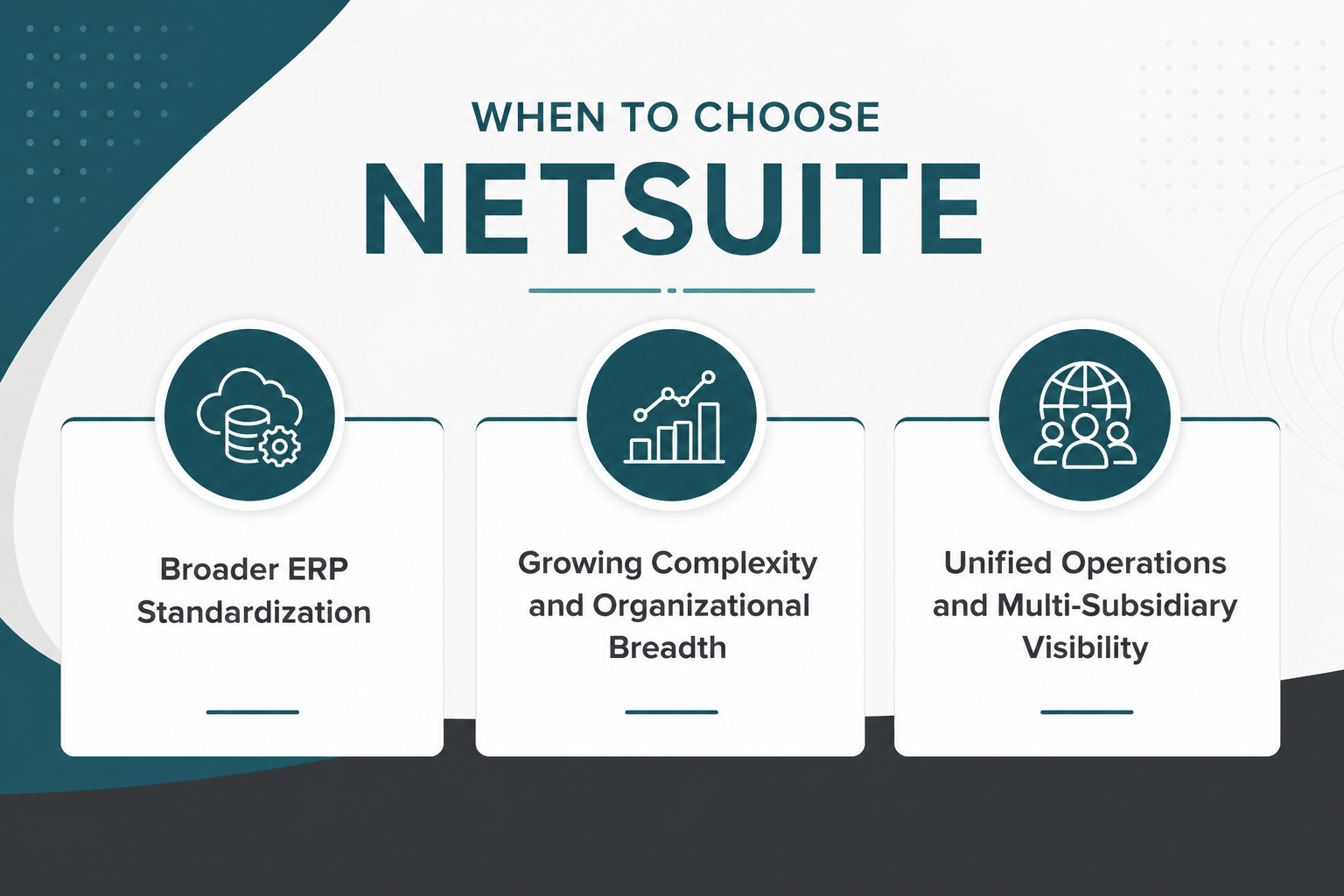
It can also include businesses that expect reporting complexity, organizational breadth, or cross-functional coordination to increase over time. NetSuite also tends to show up more often in conversations about unified cloud operations and multi-subsidiary visibility through Oracle NetSuite OneWorld.
This does not mean Business Central is a weak option. It means that for some businesses, the value of a more unified ERP structure outweighs the value of tighter Microsoft ecosystem alignment.
Read next: Gartner Analysis: Why Companies Choose NetSuite
When Business Central May Be The Better Fit
Business Central may be the better fit when a company already works deeply inside Microsoft 365 and wants ERP to extend that environment rather than replace its center of gravity. That can be especially relevant for businesses already using Microsoft tools for collaboration, reporting, communication, and productivity. In those cases, integration with other Microsoft products is not just a technical detail. It is part of how teams already operate.
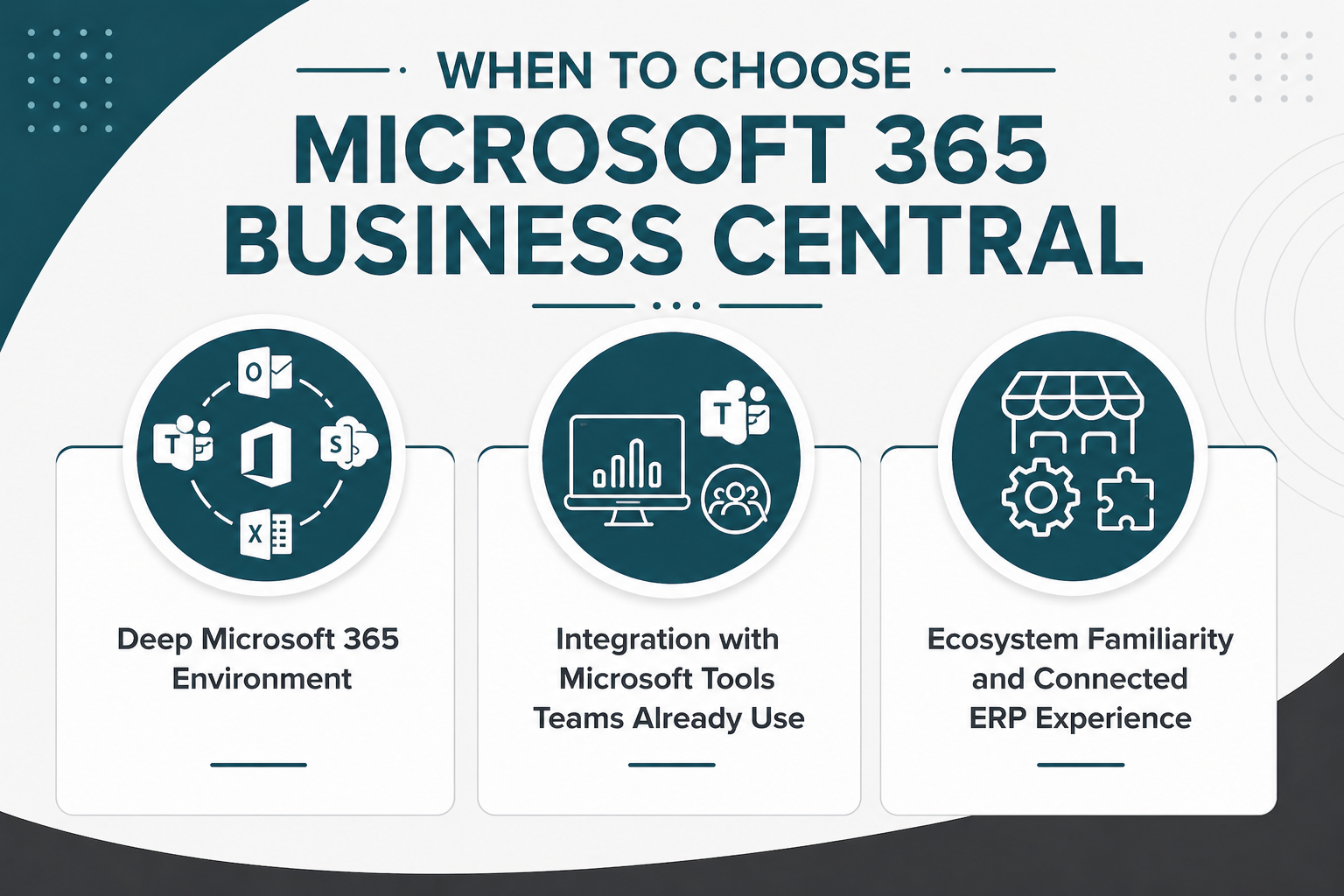
Business Central also tends to make sense when a business values ecosystem familiarity and prefers an ERP path that feels closely connected to Microsoft applications, Microsoft partners, and AppSource extensions. For some companies, that translates into less disruption and a more intuitive operating model.
Which ERP Is a Better Fit for Your Business Right Now?
Both Microsoft Dynamics 365 Business Central and Oracle NetSuite are credible ERP choices, but they solve the problem from different starting points.
Business Central often stands out for organizations that want ERP inside a familiar Microsoft-centered environment, especially when Microsoft 365, Power BI, and related Microsoft products already shape daily work. NetSuite often stands out when the priority is broader ERP standardization, more unified visibility across business functions, and a cloud-first model that can support more layered reporting and operational complexity.
Key Takeaways
-
Business Central often fits companies that want ERP closely aligned with the Microsoft ecosystem.
-
NetSuite often fits businesses prioritizing unified cloud ERP breadth and broader cross-functional visibility.
-
The strongest choice usually becomes clear when you compare real workflows, ownership logic, and growth plans.
Once ERP evaluation turns into rollout planning, the quality of your implementation plan matters. Protelo’s NetSuite Implementation Services help teams migrate clean data, connect CRM, ecommerce, and supply chain tools, and move into NetSuite without disrupting daily operations.
Migrate to NetSuite to unify business systems and improve cross-functional visibility.
FAQ
Is NetSuite Better Than Microsoft Dynamics 365 Business Central For Growing Businesses?
That depends on what “growing” actually means for the business. If growth involves broader ERP standardization, more cross-functional reporting, or expanding across entities, regions, or operating units, NetSuite is often evaluated more strongly because it is designed as a unified cloud ERP platform. Business Central can still scale, but it is often a better fit when that growth is expected to happen within an existing Microsoft-centered environment.
Is NetSuite Better For Multi-Entity Or Global Operations?
In many cases, yes. NetSuite is frequently positioned as the stronger fit for businesses managing multiple legal entities, currencies, or international reporting requirements because Oracle NetSuite emphasizes multi-entity financial visibility and broader global ERP coordination. Business Central can support growing companies as well, but current comparison pages repeatedly point to NetSuite as the stronger option when global complexity becomes a central requirement rather than a future possibility.
How Long Does It Take To Implement NetSuite Vs Dynamics 365 Business Central?
Implementation timelines vary based on business size, integrations, data migration, and how many business processes are moving into the ERP system. Business Central is often described as faster to deploy, especially for smaller companies with an existing Microsoft environment, while NetSuite projects can take longer when the rollout includes broader process standardization across finance, operations, and reporting. The better question is not which one is faster, but which implementation scope matches your business goals.
Which ERP Is Better For Financial Reporting: NetSuite Or Business Central?
Both platforms support financial reporting, but the better fit depends on how the business wants reporting to work. Business Central is often attractive for teams already using Excel, Power BI, and other Microsoft tools, while NetSuite is often evaluated more strongly when the business wants reporting, finance, and operational visibility tied more tightly inside one ERP system. So the difference is less about whether reporting exists and more about whether reporting should be ERP-centered or ecosystem-centered.