

16 min read


Most teams evaluating NetSuite hear wildly different numbers about the cost, user license requirements, and what's actually included in a NetSuite contract. Some of those numbers are accurate. Many are myths that lead to overbuying licenses, under-scoping modules, or choosing the wrong NetSuite edition entirely.
NetSuite licensing follows a predictable structure, which is the base edition, user license types, and add-on modules, but conflicting advice from sales reps, third-party blogs, and anecdotal stories makes it feel like a black box.
This guide separates common myths from facts, shows what really drives the total cost of NetSuite, and gives you a framework to pressure-test your own quote or renewal.
Quick Take: What's Actually True About NetSuite Licensing
Why NetSuite Licensing Feels Confusing (And Why It Matters)
NetSuite is a powerful cloud ERP platform, but the way Oracle NetSuite pricing is structured (editions, user license types, add-on modules, and implementation services) creates room for misunderstanding. Teams often hear one number from a sales rep, a different number from a NetSuite partner, and a third number from a peer at a conference. Those numbers rarely match because they reflect different bundles, different user license mixes, and different assumptions about what the business needs.
Understanding how the licensing model actually works is the only way to build a realistic budget and avoid signing a NetSuite contract that doesn't fit. Learn more about how NetSuite licensing works and the options available to your business.
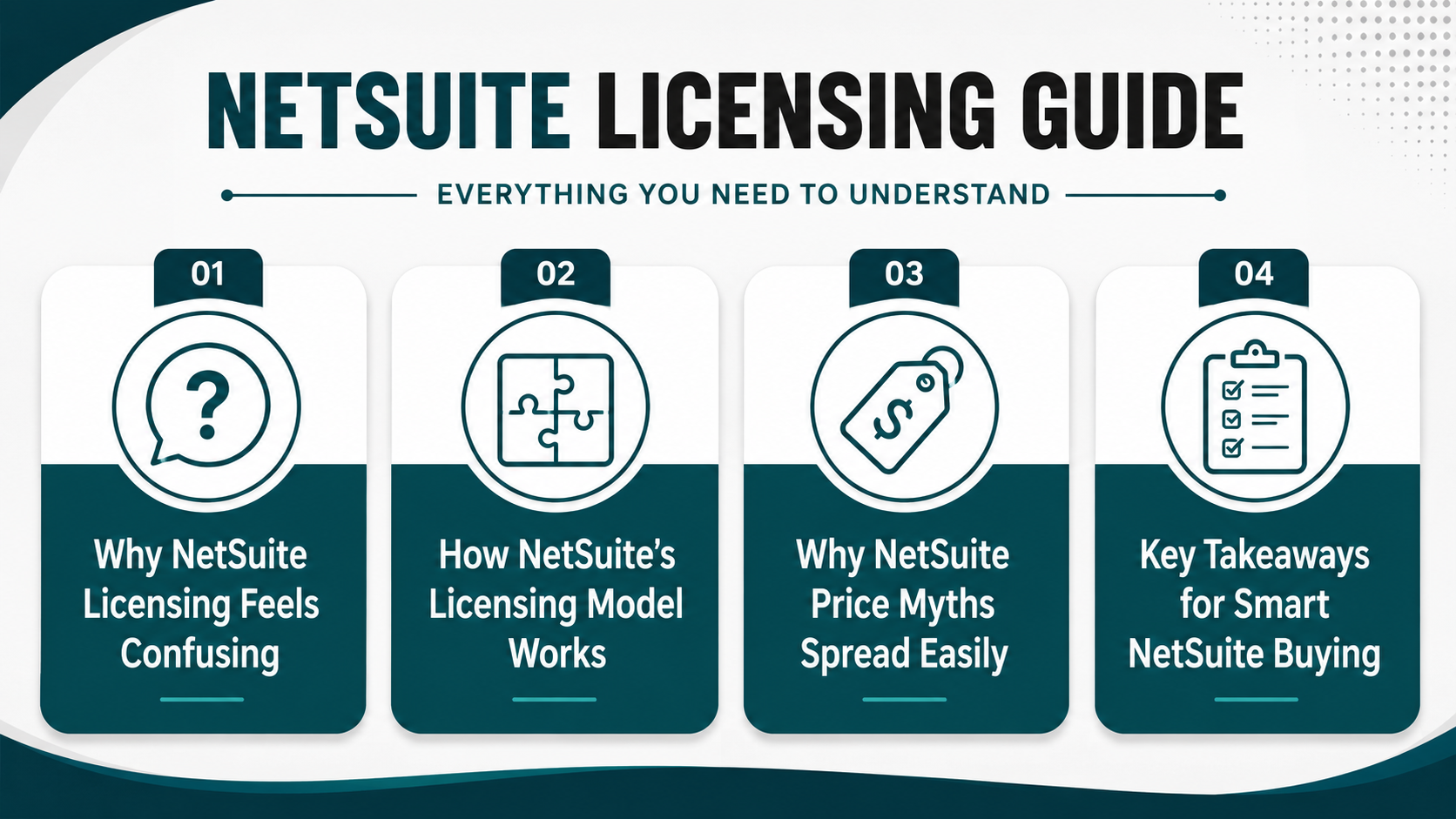
How NetSuite's Licensing Model Actually Works
At a high level, your NetSuite subscription is built from three components: a base NetSuite edition (Starter, mid-market, or Enterprise/OneWorld), a bundle of core modules (typically ERP and possibly CRM), and a set of user licenses.
The edition determines transaction volume limits, subsidiary support, and access to certain advanced features. User licenses come in different types. A full user license is for employees who need broad access to NetSuite functionality. A lighter self-service license option is for employees who only need to submit expenses or approve requests. Vendor or customer center access is for external parties. Add-on modules extend the platform with capabilities like warehouse management, advanced revenue recognition, or SuiteCommerce.
Access to NetSuite functionality is governed by roles, not just license count. A user with a full user license can be assigned a role that limits them to accounts payable tasks, while another user with the same license type might have access to inventory, CRM, and financial reporting.
The same NetSuite ERP system can look very different depending on how roles, modules, and licenses are configured around business needs.
Read Next: NetSuite Beginner's Guide for 2026
Why Myths About NetSuite Price Spread So Easily
Several factors make it easy for myths about NetSuite costs to take root and spread. Different ERP solution providers quote different bundles and modules, so one company's "price of NetSuite" story doesn't match another's.
Buyers often mix up Oracle NetSuite pricing (the recurring license fees) with NetSuite implementation cost and ongoing support, which are separate line items but equally important to the total cost of NetSuite. NetSuite customers in different industries run very different add-on modules, skewing anecdotal comparisons.
A manufacturer using advanced planning and shop floor modules will have a different cost structure than a services firm using project accounting and CRM. Early sales conversations often talk about NetSuite ERP pricing in ranges rather than detailed licensing and implementation costs, leaving room for assumptions that don't hold up during contract negotiation.
6 Biggest NetSuite Licensing Myths Busted
There are a handful of recurring myths about NetSuite license fees, editions, and add-on modules that directly affect the total cost of NetSuite and how well the ERP platform fits your business. This section tackles each myth with facts, examples, and the questions you should ask your NetSuite partner or Oracle NetSuite rep before signing.
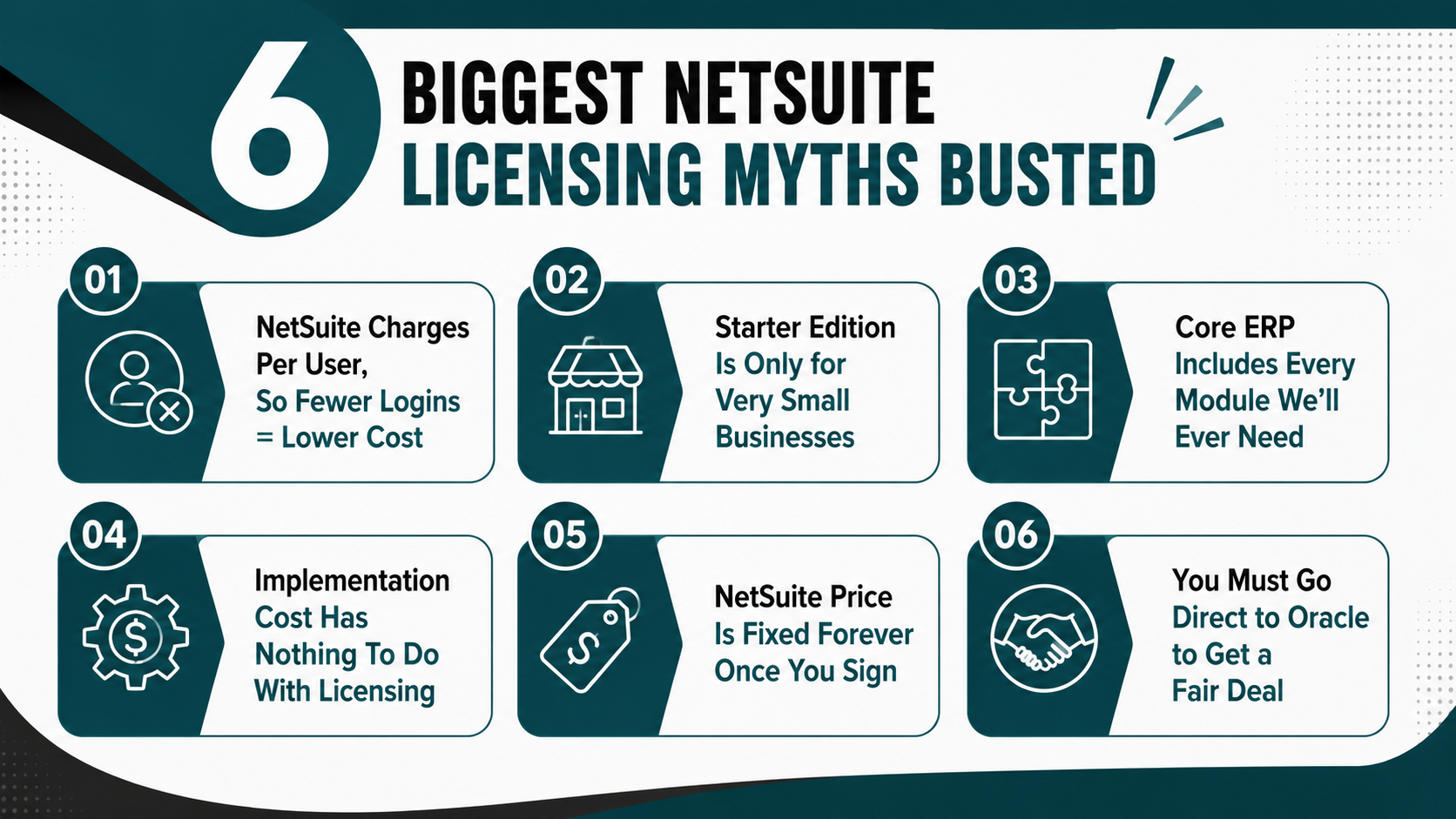
Myth 1: "NetSuite Charges Per User, So Fewer Logins = Lower Cost."
NetSuite licensing is based on edition plus specific user license types, not simply "number of logins." A full user license provides broad access to NetSuite functionality and is typically assigned to employees who work in the system daily: finance staff, operations managers, and sales reps.
A self-service license costs less and is designed for employees who only need to submit time, expenses, or approvals. Vendor and customer center access is often included at no additional license fee, allowing external parties to view orders, invoices, or support cases without consuming a paid user license.
Forcing everyone through a few shared logins to "save money" creates serious problems. It eliminates auditability. You can't track who approved a transaction or changed a record. It weakens security by giving too many people access to a single credential and prevents users from accessing NetSuite user guides, personalized dashboards, and role-based training.
Right-sizing roles and using the appropriate mix of full user and self-service licenses typically produces better ERP system usage, stronger controls, and clearer visibility without dramatically changing license fees.
Myth 2: "Starter Edition Is Only for Very Small Businesses"
Every NetSuite edition (Starter, mid-market, and Enterprise/OneWorld) is aimed at transaction volume, subsidiary structure, and operational complexity, not just revenue or employee count. Readers often assume "NetSuite for small businesses" equals Starter Edition only, but that's not how the licensing model works. The table below shows how each edition fits different business needs and where common myths distort the decision.
The right NetSuite edition depends on how many transactions you process, how many legal entities you manage, and how complex your reporting and consolidation requirements are. A $15M company with one entity and straightforward operations may fit comfortably in the mid-market edition, while a $10M company with three subsidiaries and multi-currency needs may require OneWorld.
Read Next: NetSuite Licensing Guide 2026: What Every Buyer Needs to Know
Myth 3: "Core NetSuite ERP Includes Every Module We'll Ever Need"
The base Oracle NetSuite ERP system includes financial management (general ledger, accounts payable, accounts receivable, cash management), basic inventory and order management, and foundational CRM. That's enough to run a straightforward business, but many capabilities that buyers assume are "standard" actually live in NetSuite add-on modules.
Warehouse management with mobile barcode scanning, advanced revenue management for subscription billing, SuiteBilling for complex invoicing, and SuiteCommerce for integrated eCommerce all require separate module licenses. Assuming "everything is included" leads to under-scoping business management requirements and surprises during NetSuite contract negotiations.
Add-on modules are where a lot of NetSuite subscription costs add up, but they're also what unlock the capabilities of NetSuite that matter for your ERP solution. A distributor without warehouse management will struggle with fulfillment accuracy. A services firm without project accounting will lack visibility into job profitability. The key is identifying which modules support today's goals and which can be added later as the business grows.
An experienced NetSuite solution provider can often configure and integrate the right mix of add-on modules and external apps so you're not paying license fees for overlapping functionality. Protelo's NetSuite Integrations & Customization service helps clients connect NetSuite to existing tools (CRM platforms, eCommerce systems, logistics providers) so they only license the modules that deliver unique value inside the ERP platform.
Myth 4: "Implementation Cost Has Nothing To Do With Licensing"
Licensing and implementation are not separate decisions. The way you design roles, subsidiaries, and your data model during the NetSuite implementation process can change the mix of full user licenses, self-service licenses, and even the edition you need.
Protelo's NetSuite implementation services help businesses plan their ERP implementation around licensing requirements, business processes, integrations, and long-term operational needs.
Businesses that have their implementation strategy reviewed by experts often discover that fewer modules or different role assignments can meet business needs without increasing license fees. For example:
-
Mapping roles to actual tasks: Instead of giving 20 employees full user licenses, you might find that 12 need full access and 8 can operate effectively with self-service licenses for approvals and expense submission.
-
Phasing module rollout: Launching with core financials and inventory in phase one, then adding warehouse management or advanced planning in phase two, spreads both licensing and implementation costs over time and reduces go-live risk.
-
Avoiding redundant customizations: If a standard NetSuite workflow can replace a custom script, you save development cost during implementation and reduce the risk of breaking functionality during future NetSuite upgrades.
Read Next: NetSuite Price in 2026: Oracle NetSuite Pricing Guide, Implementation Cost & Cost Breakdown
Myth 5: "NetSuite Price Is Fixed Forever Once You Sign"
NetSuite subscription terms, transaction volume growth, additional NetSuite users, and new NetSuite add-on modules can all change the total cost of NetSuite over time, especially at renewal. While NetSuite's pricing structure is predictable, your usage isn't static.
If you open a second location, add 15 employees, or start selling internationally, your licensing needs will shift. If you stay on the same license plan you signed three years ago, you may be overpaying for licenses you don't need or under-licensed for the volume you're processing.
NetSuite renewal timing matters. Teams should review their user license mix, transaction volume, and module usage 6 to 9 months before renewal, not two weeks before the contract expires. That window gives you time to adjust roles, deactivate unused modules, or negotiate changes with your NetSuite partner. Waiting until the last minute often means renewing the same plan by default, even if it no longer fits.
Myth 6: "You Must Go Direct to Oracle to Get a Fair Deal"
NetSuite solution provider partners like Protelo use the same Oracle NetSuite pricing structure as direct Oracle sales, including advice from experts in the field with several years of experience. A good NetSuite partner translates business needs into the right NetSuite edition, user license mix, and add-on modules, then provides a realistic NetSuite implementation cost estimate that accounts for data migration, integrations, customizations, and training.
They help you see both the licensing and the operating NetSuite implications: how users will adopt the system, what support you'll need post-go-live, and how to customize NetSuite safely without creating technical debt.
How To Read (and Fix) Your NetSuite Quote
By this stage, many readers already have (or will soon receive) a NetSuite quote. Your budget and business goals need to know how to break that quote into its core components: edition, user license types, add-on modules, and implementation services. The breakdown shows where common myths distort decisions and how to spot mismatches between what you're being quoted and what your business needs.
If you're evaluating a NetSuite quote or planning a new implementation, Protelo's NetSuite pricing calculator can help you build a preliminary licensing and implementation profile based on your business requirements.
Break the Quote Into Four Buckets
Start by organizing the quote into four categories. This makes it easier to see where the cost of NetSuite is coming from and where you have room to adjust.
-
NetSuite edition: Is the quote based on Starter, mid-market, or OneWorld/Enterprise? Does the transaction volume limit match your current and projected volume? If you're being quoted Enterprise Edition but you only have one legal entity and 3,000 monthly transactions, you may be overbuying.
-
Count and type of user licenses: How many full user licenses are included? How many self-service licenses? Are vendor and customer center access licenses listed separately or assumed to be free? If the quote includes 25 full user licenses but only 15 people need daily access to NetSuite functionality, you're paying for licenses you don't need.
-
Add-on modules: Which modules are included beyond the base ERP and CRM? Are you being quoted for warehouse management, advanced revenue management, SuiteBilling, or SuiteCommerce? Do you need all of them in phase one, or can some be added later? Each module adds to your annual license fees and increases implementation cost because consultants must configure and test it.
-
Services: What's included for NetSuite implementation, data migration, integrations, training, and post-go-live support? Are those services priced separately, or bundled into a fixed-fee implementation? Are ongoing NetSuite support and system administration included, or will you need to budget for that separately?
"Myth-Driven" vs "Right-Sized" License Mix
Small changes in how you think about access to NetSuite functionality and modules can substantially change total license fees and implementation costs. The table below compares three common scenarios and their impact on NetSuite costs and project risk.
Scenario 2 is where most mid-market companies should land. It avoids the waste of Scenario 1 and the operational risk of Scenario 3. The goal is to match licensing to how your team will actually use NetSuite, not to minimize cost at all costs or to buy every feature Oracle NetSuite offers.
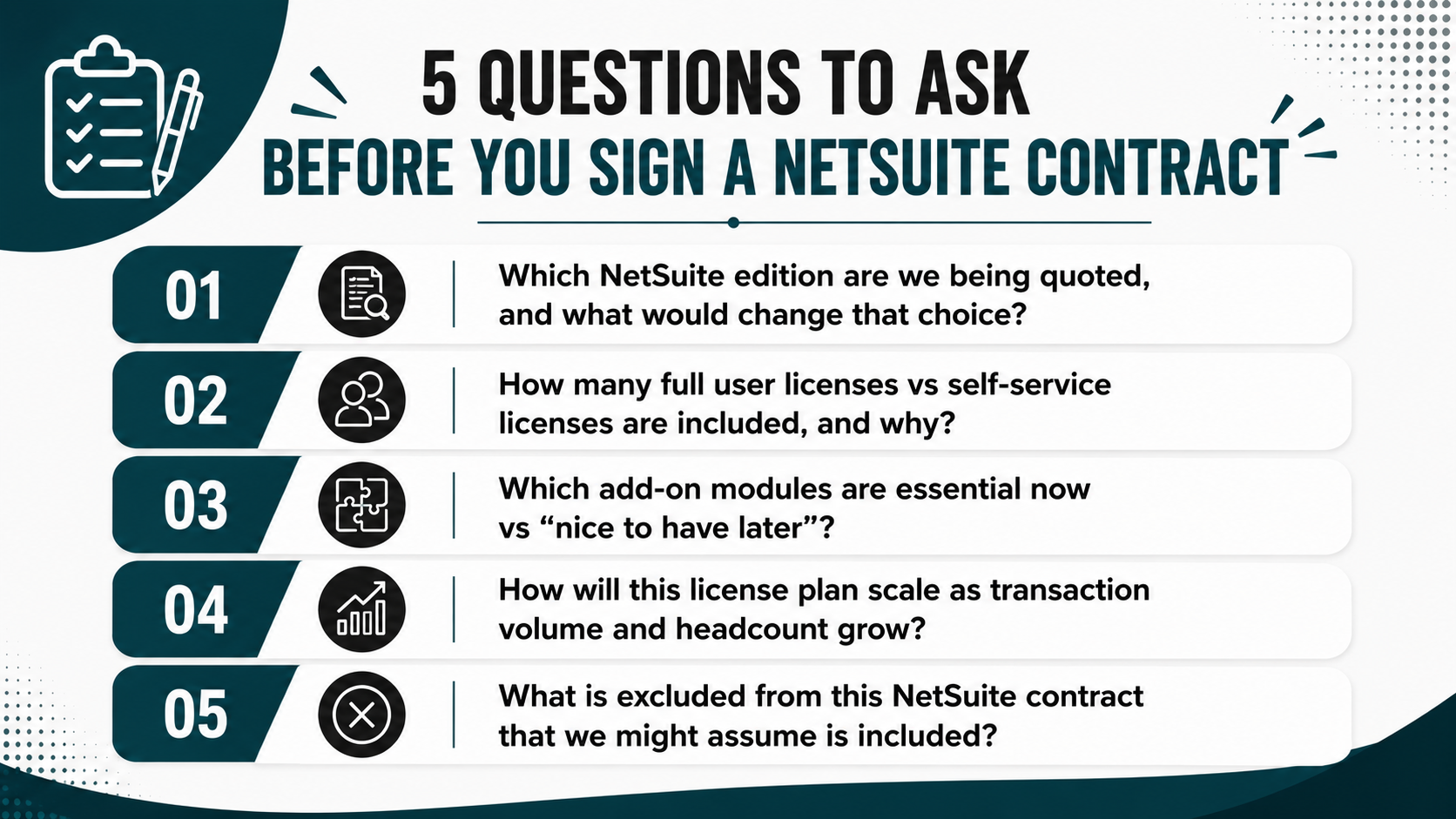
Questions To Ask Before You Sign
Before you commit to a NetSuite contract, ask these questions to pressure-test the licensing plan and avoid common myths turning into expensive mistakes.
-
Which NetSuite edition are we being quoted, and what would change that choice? Understand the transaction volume limits, subsidiary support, and feature differences between editions. If you're close to the edge of one edition's limits, clarify what happens when you exceed them.
-
How many full user licenses vs self-service licenses are included, and why? Map each license type to specific roles and daily workflows. If the quote includes more full user licenses than you have employees who need daily ERP access, push back.
-
Which add-on modules are essential now vs "nice to have later"? Separate the modules that support go-live business processes from the ones that enable future growth. Licensing modules you won't use for 18 months inflates cost and complexity.
-
How will this license plan scale as transaction volume and headcount grow? Ask what happens when you add 10 employees, open a second location, or double your order volume. Will you need to upgrade editions, add user licenses, or renegotiate the contract?
-
What is excluded from this NetSuite contract that we might assume is included? Clarify whether sandbox environments, third-party integrations, data migration services, and ongoing NetSuite support are part of the quote or separate purchases.
Read Next: Off-track ERP project? Steps to rescue a NetSuite implementation.
Turning a Clean License Plan Into a Successful NetSuite Implementation
NetSuite licensing myths can push buyers to overpay, under-license, or choose the wrong NetSuite edition. Understanding the licensing model, user license types, and module structure lets you shape a NetSuite contract around real business needs instead of assumptions or sales pressure. The real cost of NetSuite includes both licensing and implementation costs, and both should be designed together.
Key Takeaways:
-
Align licenses to roles, not headcount: Map full user and self-service licenses to how people actually use NetSuite, not how many employees you have.
-
Challenge "all-inclusive" assumptions: Separate core NetSuite ERP from add-on modules and only license what supports today's goals.
-
Design licensing and implementation together: Treat Oracle NetSuite pricing, configuration, and change management as one plan, not separate projects.
Partnering with an experienced NetSuite implementation partner reduces the risk of ERP myths turning into expensive mistakes, whether that's overbuying modules you don't need, under-licensing and hitting limits within months, or customizing NetSuite in ways that make future upgrades painful.
Need help reviewing your NetSuite quote? Talk to Protelo's NetSuite team to discuss licensing options, required modules, and implementation considerations before making a decision.
FAQs
How does NetSuite’s licensing model differ from other cloud ERP pricing structures?
NetSuite pricing is based on edition tier, user license types, and add-on modules. This makes it more flexible than simple per-user pricing because companies can scale users, modules, and transaction capacity as their needs grow.
What’s the difference between a full user license and a self-service NetSuite license?
A full user license is for employees who use NetSuite daily across finance, operations, sales, or management. A self-service license is lower-cost and intended for limited tasks like submitting expenses, time, or approvals.
How do I know which NetSuite edition is right for my business?
The right edition depends on transaction volume, subsidiaries, users, and operational complexity. Starter fits smaller single-entity businesses, while mid-market and OneWorld/Enterprise editions support higher transaction volumes, more users, and multi-entity operations.
Which add-on modules should mid-market companies consider first?
Start with the modules needed for go-live processes. Common phase-one modules include warehouse management, project accounting, and advanced revenue management. Other modules can often be added later once the core ERP is stable.
How can I estimate the total cost of NetSuite?
NetSuite cost includes licensing, implementation, ongoing support, and integrations or customizations. Ask for a quote that breaks out each component so you can compare subscription fees, services, and future support needs clearly.
What should I watch for during NetSuite renewal?
Review users, modules, transaction volume, and license mix 6 to 9 months before renewal. Remove unused modules, adjust user roles, and negotiate changes before the renewal deadline.
Can I change my NetSuite license mix after go-live?
Yes. You can add or reduce licenses and modules after go-live, but changes should be planned carefully. Review usage data first to avoid disrupting active users or business processes.
How does working with a NetSuite solution provider like Protelo affect pricing?
Solution providers use Oracle NetSuite’s standard pricing structure. Their value comes from helping you choose the right edition, licenses, modules, implementation plan, and renewal strategy.