

9 min read
NetSuite 2026.2 Release Highlights: The New Features You Should Know About

Rachel brings over 15 years of ERP industry experience to Protelo, specializing in NetSuite, Acumatica, and business software solutions. She has written extensively on ERP and business operations, helping organizations navigate technology decisions and industry best practices.
By: Rachel Groves Jul 22, 2026
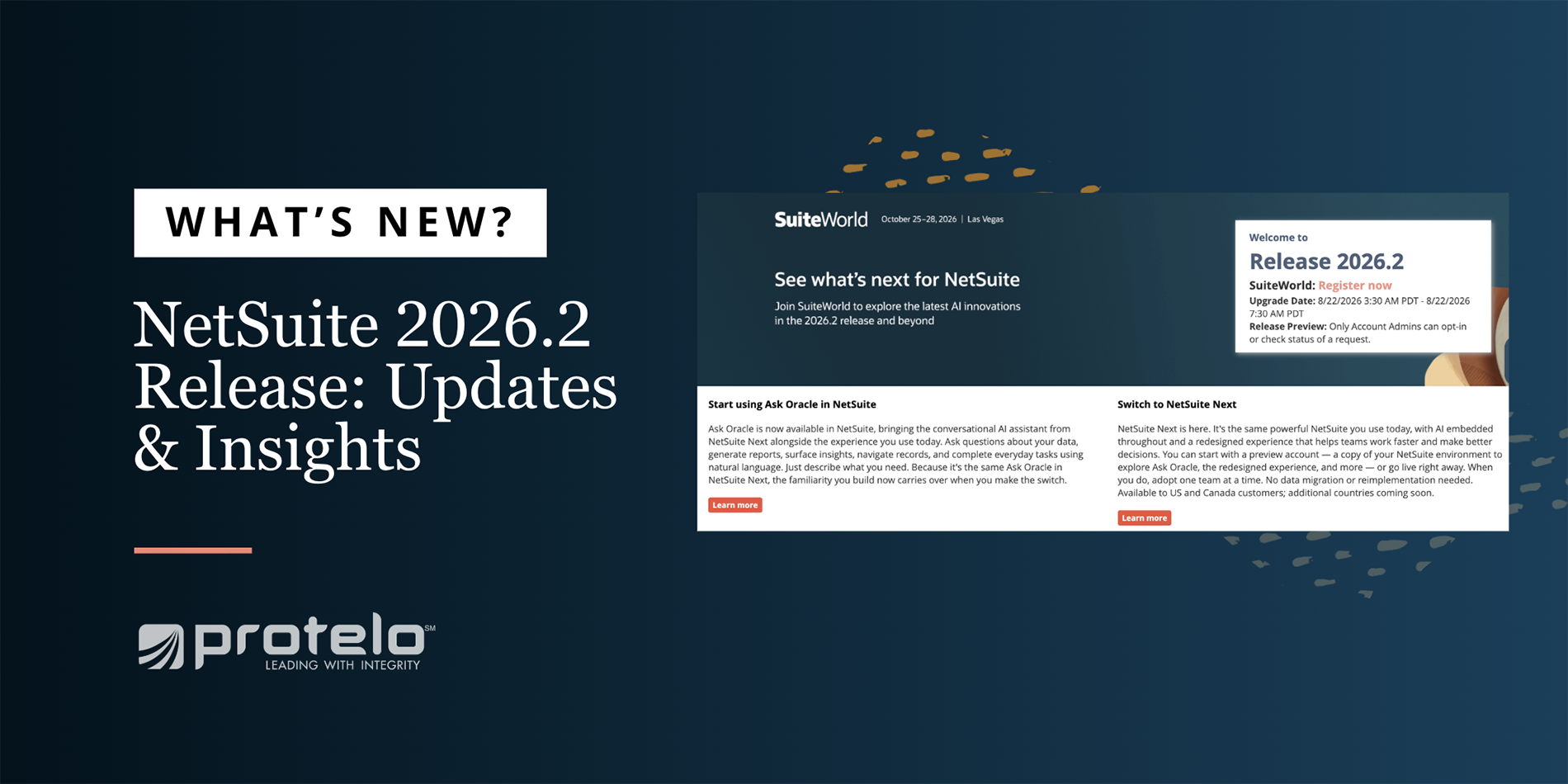
NetSuite has officially unveiled the exciting updates from the 2026.2 release, bringing a wide range of enhancements that make the platform smarter, faster, and more connected than ever.
The headline announcement is NetSuite Next, Oracle's next-generation ERP experience that embeds AI throughout NetSuite. But that's just one piece of the release. Finance teams gain new tools to speed up reconciliation and month-end close, organizations can take advantage of expanded automation and integrations, and several industries receive enhancements tailored to their unique workflows.
Check out the features we believe will have the biggest impact on your business.
What's New in NetSuite 2026.2
Quick access to the latest release notes!
Here's a quick look at some of the biggest updates included in this release:
• NetSuite Next debuts for customers in the United States and Canada
• AI-powered bank reconciliation and financial close enhancements
• Smarter accounts payable and international payment processing
• Native start and end time tracking
• A brand-new Restaurant SuiteApp
• Expanded Advanced Pricing capabilities
• New AI-powered customer support tools
Let's take a closer look.
NetSuite Next Takes Center Stage
Without question, the biggest announcement in NetSuite 2026.2 is NetSuite Next.
Rather than introducing a separate application or requiring customers to migrate to a new ERP, Oracle has built NetSuite Next on top of the existing platform. It combines the familiar NetSuite experience with AI that is embedded directly into everyday business processes, helping users find information, analyze data, and complete tasks more efficiently.
One of the key pieces of NetSuite Next is Ask Oracle, a conversational AI assistant that allows users to interact with NetSuite using natural language. Instead of searching through menus or building reports manually, users can ask questions, retrieve information, and navigate the system more intuitively.
Customers in the United States and Canada can begin exploring NetSuite Next in three ways:
1. Enable Ask Oracle within their current NetSuite account.
2. Request a NetSuite Next Preview Account to test the experience using a copy of their existing environment.
3. Enable NetSuite Next directly in production when they're ready.
Administrators remain in control of the rollout and can enable features by user role, making it possible to introduce the new experience gradually instead of all at once.
Why it matters: NetSuite Next represents Oracle's long-term vision for the platform. Organizations can begin adopting AI-powered workflows without replacing their ERP or disrupting existing business processes. Learn more about the latest NetSuite AI enhancements!
Financial Management Gets One of Its Biggest Updates Yet
Finance teams receive some of the most practical enhancements in the 2026.2 release, with improvements designed to reduce manual work, simplify reconciliation, and make month-end close more efficient.
Smarter Bank Reconciliation
Bank reconciliation continues to become more intelligent.
A redesigned Bank Matching workspace allows users to compare bank transactions and general ledger transactions side by side, making it easier to identify the correct match without navigating between multiple screens.
The new Transaction Matching Assistant adds Agentic AI to the process by analyzing transaction details, including memo information, payee names, and transaction dates, to recommend the most likely match. Users still have complete control over whether to accept, reject, or modify the recommendation before anything is posted.
Finance teams will also notice Narrative Insights, which automatically summarizes unmatched transactions, aging items, and reconciliation exceptions so users can quickly identify what needs attention instead of reviewing lengthy transaction lists.
Together, these enhancements help reduce manual investigation while keeping users firmly in control of the reconciliation process.
A Faster Financial Close
Month-end close receives several welcome improvements as well.
NetSuite Intelligent Close Manager now allows organizations to assign task owners, establish due dates, prioritize activities using AI, and manage close tasks from a centralized workspace.
A new Intelligent Flux Analysis feature automatically explains changes in account balances between reporting periods, helping accounting teams understand significant fluctuations without exporting reports or manually researching variances.
These enhancements help finance teams spend less time gathering information and more time reviewing results.
Accounts Payable Becomes More Efficient
Accounts payable workflows have also been streamlined.
Organizations can now create structured payment runs, review batches before submission, and route payments for approval through a standardized workflow. This helps reduce duplicate payments while improving visibility throughout the payment process.
International vendor payments also receive enhancements, including estimated exchange rates before submission, guided collection of country-specific banking information, and improved payment tracking.
In addition, the new Personalized Payables Workspace allows users to save preferred filters and layouts so each team member can tailor the workspace to their role.
Better Time and Labor Tracking
NetSuite now includes navative start and end time fields, eliminating the need for custom fields or workarounds when tracking employee time.
Organizations in industries such as field service, healthcare, construction, and professional services can more accurately capture labor hours for billing, reporting, and compliance.
For customers using SuitePeople Payroll or the new Workforce Connector, Labor Cost Insights combines payroll information with financial data to provide AI-generated summaries of labor trends, profitability, and workforce costs.
Additional Financial Enhancements
Several smaller—but still valuable—updates round out the financial management improvements.
NetSuite 2026.2 introduces payment adjustments that allow organizations to record bank fees, convenience fees, and customer underpayments directly on customer payments instead of creating separate journal entries.
SuiteTax now supports tax-inclusive pricing and automates tax calculations for vendor payment discounts, while e-invoicing expands support to Denmark, France, and Poland.
Industry Enhancements
NetSuite continues to expand with features designed for specific industries.
Software Companies
Organizations using Subscription Metrics gain additional visibility through committed MRR and ARR reporting, expanded KPI drill-downs, and AI-generated trend summaries.
SuiteBilling also introduces externally rated usage billing, allowing third-party usage data to flow directly into billing and revenue management.
Restaurants
One of the most notable additions in this release is the new Restaurant SuiteApp. Designed specifically for restaurant operators, the SuiteApp centralizes purchasing, inventory, recipe costing, production, cash management, and point-of-sale information within NetSuite.
For restaurant groups managing multiple locations, standardized inventory processes and template-based workflows help improve consistency while providing better visibility into food costs and profitability.
Healthcare
Healthcare organizations receive a new CFO Dashboard that combines financial and operational information from NetSuite with supported electronic medical record systems, giving finance leaders a more complete view of organizational performance.
Manufacturing and Distribution
Advanced Pricing continues to evolve with better pricing visibility, improved rule management, pricing analytics, and expanded AI-generated pricing insights.
Manufacturers also gain the ability to initialize average inventory costs without creating artificial transactions, simplifying implementation and inventory setup.
AI Continues to Expand Across NetSuite
Beyond finance, NetSuite continues embedding AI throughout the platform. Field service technicians can now use AI to turn rough mobile notes into polished service updates with a single click, improving documentation while reducing administrative work.
Customer support representatives benefit from Similar Case Recommendations, which automatically surface previously resolved cases that closely match the issue they're currently working on. This helps reduce resolution times while improving consistency across support teams.
Within NetSuite Analytics Warehouse, Oracle introduces two new machine learning models:
• Spend Classification, which automatically categorizes procurement data using standardized classifications.
• Product Recommendation, which predicts products customers are most likely to purchase based on historical behavior.
Rather than introducing standalone AI tools, Oracle continues integrating AI into everyday workflows where it can save users time and improve decision-making.
New Integrations and Analytics
NetSuite 2026.2 also expands connectivity across business systems.
A new ADP Workforce Now Connector automatically synchronizes employee records, payroll journal entries, and paycheck information with NetSuite.
The enhanced Outlook Premium Connector improves synchronization of customer emails and calendar events while providing richer email templates directly within Outlook.
For organizations using NetSuite Integration Platform, new orchestration capabilities allow AI agents to automate multi-step workflows, while a new Human-in-the-Loop approval process ensures users remain in control of important business decisions.
Analytics Warehouse also receives several enhancements, including new financial reporting templates, a Calculation Wizard for time-series analysis, a Sage Intacct connector for historical reporting, and role-based analytics dashboards that are accessible directly within NetSuite.
Preparing for Your NetSuite 2026.2 Upgrade
Oracle plans to roll out NetSuite 2026.2 upgrades from mid-August through the end of September. Check out tips to help you prepare for the next release!
Before your account is upgraded, administrators should:
• Check the New Release Portlet for their scheduled upgrade date.
• Request a Release Preview Account to test customizations and integrations before production.
• Review any new capabilities that require additional licensing.
• Develop a rollout strategy for Ask Oracle or NetSuite Next based on user roles and business needs.
Testing your environment before the production upgrade remains one of the best ways to ensure a smooth transition and identify any customizations that may require attention.
NetSuite Support & Assistance
As your organization prepares for the 2026.2 update, now is the perfect time to explore these new capabilities and determine which ones can deliver the greatest value for your business.
Protelo is here to assist with:
• NetSuite AI Training
• NetSuite Administration
• NetSuite On-Demand Support