

9 min read
Acumatica Implementation Process: Your 8-Step Path to ERP Success

Iqra brings over a decade of accounting and ERP experience, specializing in Acumatica implementations for the construction industry as a 3x Acumatica MVP. She works with general contractors and specialty trades to streamline operations, standardize processes, and improve efficiency through practical...
By: Iqra Harrison Dec 29, 2025, 11:33:49 AM
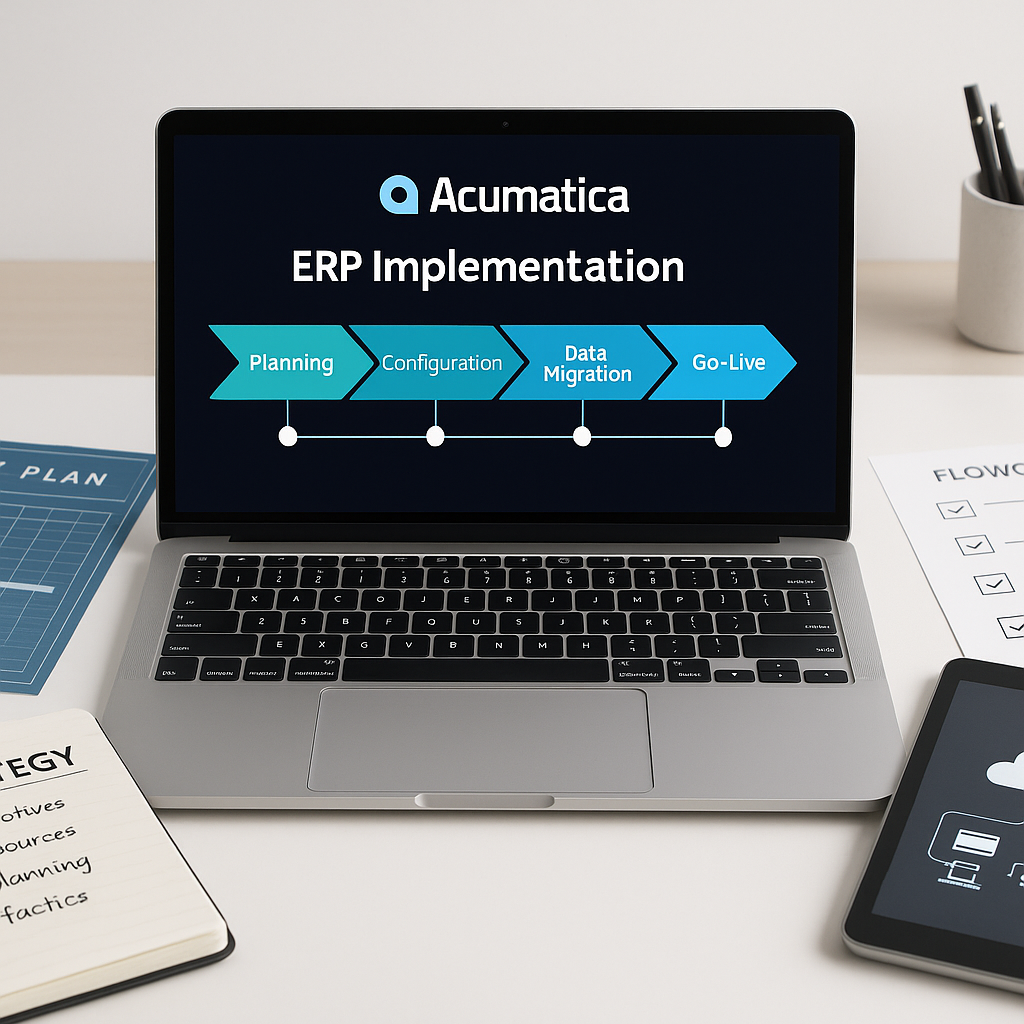
What’s the cost of getting your Acumatica implementation wrong? For many teams, it’s months of rework and stalled adoption.
ERP projects impact every corner of your business. They require clear goals, engaged stakeholders, and a smart implementation plan. Industry data from Panorama Consulting shows that average ERP timelines dropped from 15.5 months to 9 months, largely due to SaaS adoption. With the right approach, many mid-sized companies finish in 3 to 6 months, especially when the scope is focused and the team stays involved.
Protelo’s structured process is built to hit that target.
If you're in the early stages of ERP planning, this guide walks you through the 8 critical steps to a clean Acumatica implementation. These are the same steps Protelo uses to help clients go live with confidence, avoid delays, and get fast ROI.
Use this as your roadmap for a successful rollout.
What Is the Acumatica Implementation Process?
The Acumatica implementation process is a structured series of steps that guide businesses through the deployment of a new cloud ERP system with clarity and control. Each stage, from planning to go-live, builds operational readiness and reduces risk. With the right approach, implementation becomes a launchpad for growth, not a drag on the business.
A typical ERP implementation lifecycle includes:
- Planning and kickoff
- System design and configuration
- Data migration and validation
- Training and testing
- Go-live and post-launch support
Every phase of this process reshapes how your ERP system supports day-to-day operations, reporting, and decision-making. It touches workflows, permissions, and cross-department business processes. Success depends on a clear project plan, full team alignment, and a trusted Acumatica partner who knows the terrain.
Common Pitfalls in ERP Implementation
Many ERP projects run into avoidable issues. Dirty data migration is one of the most damaging. When legacy data is brought in without proper cleanup, the new ERP system produces flawed reports and frustrates users.
Late-stage scope changes are another common disruption. When stakeholders change course midway through the implementation, it often forces rework that delays deployment and stretches the project budget.
Training is also underestimated. Teams expect users to adapt quickly, but ERP adoption requires targeted instruction, role-based workflows, and time to adjust. Without this, even the best ERP software will struggle to gain traction.
These problems aren’t edge cases. They are predictable. Protelo’s Acumatica implementation guide is built specifically to prevent them by following clear steps, managing expectations, and keeping the implementation team focused on what matters most.
The 8 Steps to a Smooth Acumatica Cloud ERP Implementation
A successful Acumatica ERP implementation requires more than technical setup. It takes a disciplined sequence of steps, each designed to reduce risk, keep the project on track, and ensure the system delivers long-term value. These eight stages form a complete ERP implementation process that guides the project team from discovery to go-live.
Each step drives readiness, accuracy, and user adoption. With the right approach, businesses avoid delays and launch a system that supports real operational improvement.
Step 1: Discovery and Requirements Alignment
Every ERP project begins with a discovery phase. The implementation partner meets with decision-makers, department leads, and process owners to document pain points, current workflows, and strategic priorities. This includes approval paths, reporting needs, and any existing integrations with third-party tools.
Each stakeholder defines what success looks like for their department. These inputs shape the project plan and provide a clear baseline for every stage of the implementation.
Step 2: System Design and Project Planning
The implementation team converts discovery data into a technical blueprint. Requirements are grouped by module, workflow, and user role. This design phase outlines how the Acumatica Cloud ERP system will support each part of the business.
This is where the full project plan, especially the timelines, roles, and milestones, takes shape. Strong planning ensures teams know what to expect and prevents confusion during the more complex configuration steps.
Step 3: Data Migration Planning
Poor data quality can derail an entire ERP deployment. That’s why data migration is treated as its own workstream with a detailed strategy.
The team identifies what data will move, what must be cleaned, and how it will be validated. This typically includes customers, vendors, inventory items, open balances, and transactional history. Test migrations happen early, so any errors or inconsistencies are caught before go-live.
A clean migration lays the foundation for reliable reporting, seamless user adoption, and confident decision-making.
Step 4: System Configuration and Customization
With the project plan and data strategy in place, the Acumatica ERP system is configured to reflect the company’s day-to-day operations. This includes setting up modules such as finance, CRM, distribution, and project accounting. The team defines roles, permissions, approval maps, and automation workflows.
Acumatica’s cloud ERP is flexible, but customization is limited to avoid long-term maintenance risks. The goal is a tailored, scalable system that meets business needs without creating technical debt.
Step 5: Integration and Workflow Automation
Most ERP systems must work alongside e-commerce platforms, shipping tools, field service apps, or industry-specific solutions. At this stage, the implementation team connects those tools to Acumatica using APIs, standard connectors, or custom-built integrations.
Successful integration eliminates manual entry and ensures accurate data across systems. Once connected, workflow automation keeps processes running efficiently, with real-time updates between tools.
Step 6: Role-Based Training and Change Management
Even the best ERP solution will fail without proper training. The implementation team delivers targeted instruction by department, showing each user how to complete real tasks in the new system.
Change management is not an afterthought. Users receive documentation, sandbox access, and multiple training sessions to build confidence. This step is key to adoption and helps ensure the system delivers value from day one.
Step 7: Testing and Quality Assurance
Testing validates the setup and confirms the system is ready for production use. The team runs detailed test scripts that simulate actual workflows such as order to cash, procure to pay, and inventory adjustments.
The team logs and resolves issues quickly. Testing also covers data integrity, permission settings, and system performance under load. This step ensures the ERP system functions as expected before go-live.
Step 8: Go-Live and Ongoing Support
Go-live is when the new system replaces the legacy platform. The implementation team follows a detailed checklist that covers final data load, environment validation, and user communication.
After deployment, the support team stays engaged. Protelo provides ongoing support to monitor system performance, answer user questions, and fine-tune the setup based on real-world use. This support phase sustains progress and ensures confident adoption.
Why Companies Choose Protelo for Acumatica ERP Implementation
A successful ERP implementation depends as much on the partner as it does on the software. Protelo is a trusted Acumatica partner with deep expertise in delivering cloud ERP solutions for growing companies across manufacturing, distribution, services, and ecommerce.
What sets Protelo apart is its ability to connect configuration decisions to real business outcomes. The team doesn't rely on generic templates. Instead, they work directly with clients to understand workflows, reporting needs, and operational goals, then shape the ERP system around those requirements.
Each implementation is built from the ground up with clear milestones, documented decisions, and hands-on guidance from senior consultants. This approach reduces delays, limits rework, and helps internal teams stay focused on execution.
Clients work with Protelo because they want more than a technical setup. They want a strategic partner who provides clarity, accountability, and continuity from kickoff through go-live and beyond.
See how Protelo turns ERP strategy into results. Explore our Acumatica services here.
Plan Your Acumatica Implementation with Confidence
Acumatica implementation success depends on structure, clarity, and the right expertise. When every phase is mapped with clear goals, your ERP system launches on time and delivers measurable impact.
Following each step of the process, from discovery to go live, helps prevent rework, reduce delays, and keep your team aligned. Strong execution turns ERP from a technical rollout into a strategic advantage.
To plan your ERP implementation with an experienced Acumatica partner, explore Protelo’s Acumatica services and request a tailored project overview.
FAQs
How long does it take to implement Acumatica?
Most mid-sized companies complete their ERP implementation process in three to six months. Timelines depend on data complexity, module selection, and the availability of the implementation team. Clear requirements and timely decisions help shorten the schedule and support a smooth ERP implementation.
A structured project plan is the strongest predictor of an on-time go-live because it keeps tasks aligned and reduces rework.
What does an Acumatica implementation project cost?
Costs vary based on scope, configuration needs, and the number of required integrations. Implementing Acumatica ERP for multi-entity operations or specialized workflows typically requires more effort than a standard deployment.
Accurate estimates come from early discovery and detailed implementation planning. Protelo provides cost breakdowns that reflect the actual work required, which helps leaders budget with confidence.
Can Acumatica scale as we grow?
Yes. Acumatica is built to support long-term growth. Companies can add users, locations, new entities, or additional modules as their needs expand. The platform supports a wide range of business management requirements without forcing a switch to a new system.
This flexibility allows organizations to follow clear steps to cloud ERP implementation over time while protecting prior investments in configuration and training.
Is Acumatica the right ERP solution for my company?
Acumatica is a strong fit for companies that want a cloud-based ERP solution with flexible workflows, modern reporting, and room for expansion. It supports a wide range of industries and gives teams a system that adapts to changing processes rather than forcing one rigid model.
If reliability, scalability, and ease of integration matter in your selection process, Acumatica offers a practical path to successful implementation and long-term system adoption.